Showing posts with label Chroma Key Filter. Show all posts

Monday, January 16, 2017

One Year Later, Green Screens Are Everywhere in Minnetonka Schools


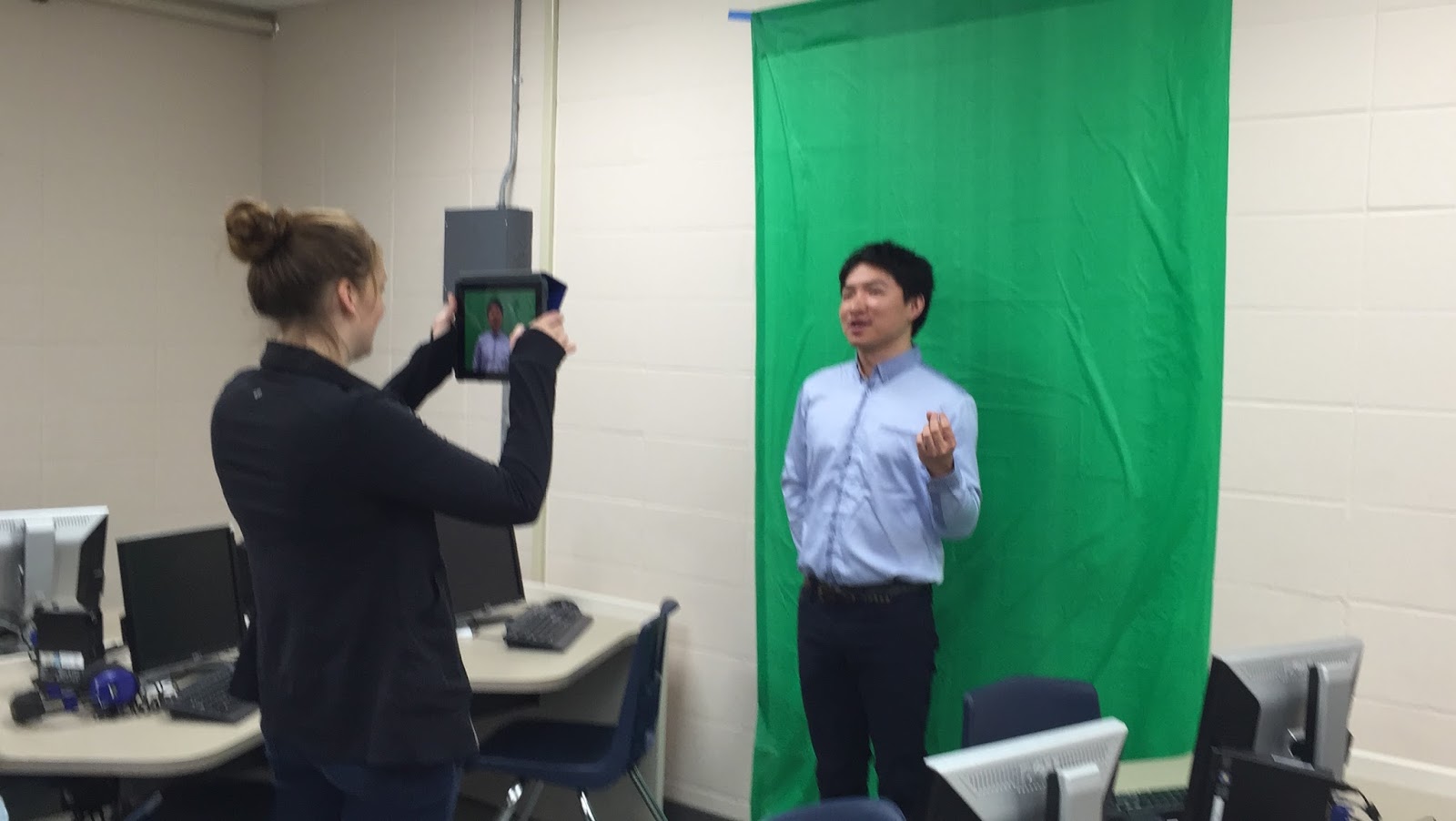
High School Students filming with green screens.
One year ago this month, we added the Green Screen app by Do Ink to our students' iPads. Since then, we have seen tremendous use of the tool. As you walk around each of our schools, you will see green fabric, green paper, and green plastic table cloths hanging on walls in hallways, classrooms, and media centers. Students are making green screen videos for all sorts of creative projects across grade levels and subject areas in our 1:1 iPad program for grades 5-12.

(Do Ink is an application that allows students to easily record, edit, and produce green screen video. Green screening itself is the technique of filming in front of a green background and then using a program with a chroma key filter to replace anything green in the image with another photo or video. Think of a weather forecaster on television standing in front of a map. Do Ink's Green Screen app is a wonderful program that makes this process easy.)

Student storyboard
In the video above, you can see grade five students in Mike Borgendale's classroom at Deephaven Elementary using green screens as a culminating project in a English language arts lesson. The students wrote  a speech about one of their favorite vacations.  They used Notablity to complete a storyboard template (pictured to the right) that the teacher provided to outline and script their speech. Then they selected images from their personal trip or ones they found online. After recording and editing their speeches in Do Ink, they shared their final projects with the class using Reflector to mirror their iPads and watched everyone's speeches together.


Students using a green screen for an ESPN set.
At the upper grades, students are using green screens for a variety of projects, too. Students in world language classes are using green screens to make videos practicing their speaking skills in all sorts of situations. High school Spanish teacher Sarah Strauss recently had students making videos of TV shows such as Iron Chef, Dr. Phil, ESPN Sports Center, and more. She explained to me that the students work together to plan and write out their script, then hang green fabric on the walls around their classroom or in the halls to film their video footage on their iPads, edit their video, and turn it in to their online Schoology course. She said students are very motivated to create these scenes and write and speak the dialog completely in Spanish, and it's great practice for them.


Students using a green screen for a Dr. Phil set.
Within our Minnetonka Teaching & Learning Framework, these projects are great examples of using technology for learning, creativity, communication, authentic and real world learning, and collaboration. The iPad itself is a great tool in all subject areas, and its mobility, dual cameras, powerful video recording and editing abilities make projects like these so easy to produce that the time and focus is spent on the learning with very thought at all to the technology involved. 

Related posts:

Monday, January 18, 2016

Minnetonka Students Create Green Screen Videos with Do Ink

Image Source: Do Ink 

Green Screen by Do Ink
Starting this month, students in Minnetonka Public Schools are beginning to use the Green Screen app by Do Ink on their iPads in our 1:1 iPad program. Do Ink is an application that allows students to easily record, edit, and produce green screen video. Green screening itself is the technique of filming in front of a green background and then using a program with a chroma key filter to replace anything green in the image with another photo or video. Think of a weather forecaster on television standing in front of a map. Do Ink's Green Screen app is a wonderful program that makes this process easy. 

We have looked at a number of green screen apps over the years and tried to find something that was free, but not had success. We really wanted to give our student the opportunity to create projects with a green screen, so we decided to move forward and purchase Do Ink. As a general rule, we try to find apps that are free to keep program costs low. You can read more about our app selection process here.

Minnetonka West Middle School teachers using the
Do Ink app last week. Photo source: Sara Hunt
Last week our middle school instructional technology coaches Sara Hunt and Carson Hoeft began showing our teachers this app for the first time. Sara purchased some inexpensive green tablecloths which they simply taped on the wall for a background. Teachers tried it out and loved it. They are excited to have their students begin using it. Students can make a news show, narrate over a historical video or photo, do a book talk, and so much more. During one of the training sessions, a teacher said he could have his students take a screen shot of a difficult math problem they solved and then use Do Ink to record an explanation of how they solved it. Teachers talked about having shy students use it to give a presentation that the class can watch. There are so many possibilities with this tool, it will be fun to see what our students create!