
 |
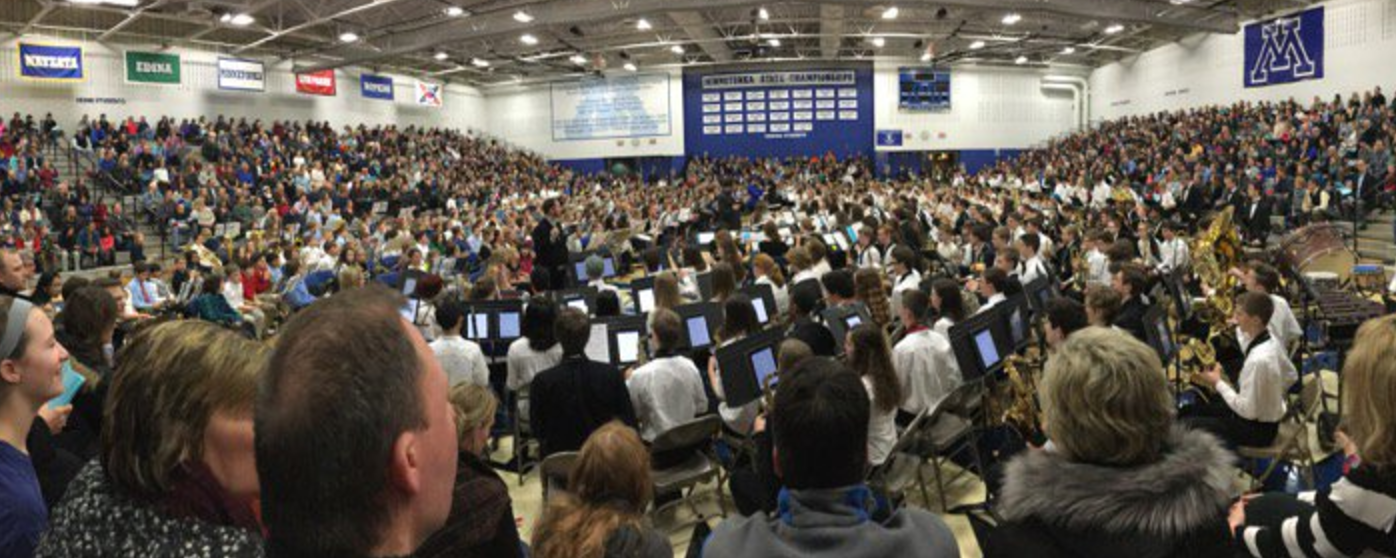
| Minnetonka band students have embraced the iPad as an instructional tool and routinely have their iPads on their music stands as pictured, annotating music during practices and touching screens to turn the page. |
 Our freshman band teacher, Paul Rosen, recently shared a creative twist on the traditional playing test students do for his class. He rearranged a piece of music so his students could play three different parts of it for their playing test using GarageBand. Students recorded the first part, then as it played they recorded the second track and layered that recording on top of the first. They repeated this process again and ended up with a recording of a trio entirely played by one person--themselves--for their individual playing test. They then turned this GarageBand recording in to their teacher through Schoology, our Learning Management System.
 Recording a playing test and turning it in through Schoology is a common, standard procedure for our Minnetonka band and orchestra students beginning in fifth grade in our 1:1 iPad program. Music teachers like Paul routinely have students submit audio and or video recordings for their playing tests. They assess the students in five categories using a rubric within Schoology (pictured): rhythm, pitch accuracy, dynamics, tempo, and articulation.
You can listen to a student’s playing test here. Paul explained to me that the students found this trio assignment to be a fun change from their regular playing tests. They stated that they felt like professional musicians. Some students had the metronome playing in their mix while others did not. His complete directions for the task are below.
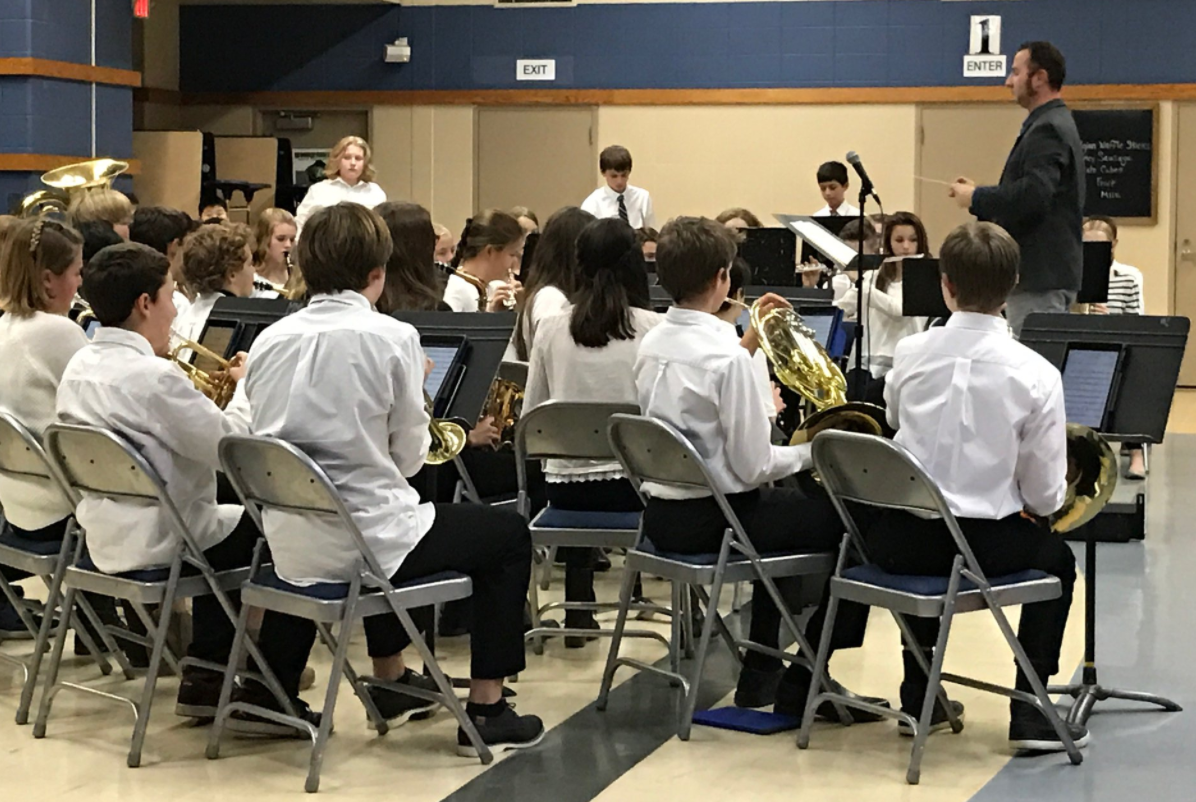 |
| Another band concert with director Paul Rosen and students using their iPads. |
Back when I was in middle and high school band learning to play the alto saxophone, I remember playing tests. I would practice a piece and then play it individually for our band director. We did this a few times a year. I remember our director would spend a number of days meeting with each student to assess us individually, while the rest of the band would have free time to do other homework or talk with our friends. But additional learning and practice in band did not happen on those days of school.
Taking class time for playing tests over many days has all but disappeared from Minnetonka music classrooms. It has also decreased for many other teacher assessments, too, such as world language speaking tests where students now can record their answers to questions for their teacher to listen to after class, rather than individually during the school day. This is yet another example of accelerated learning possible due to 1:1 iPads in Minnetonka.
Related Posts:
- Tip #4 for a Successful 1:1 Implementation- Make Full Use of the iPad as a Formative Assessment Tool

